> ## Documentation Index
> Fetch the complete documentation index at: https://dify-6c0370d8-add-new-agent.mintlify.site/llms.txt
> Use this file to discover all available pages before exploring further.

# 介绍

<Note> ⚠️ 本文档由 AI 自动翻译。如有任何不准确之处，请参考[英文原版](/en/use-dify/getting-started/introduction)。</Note>

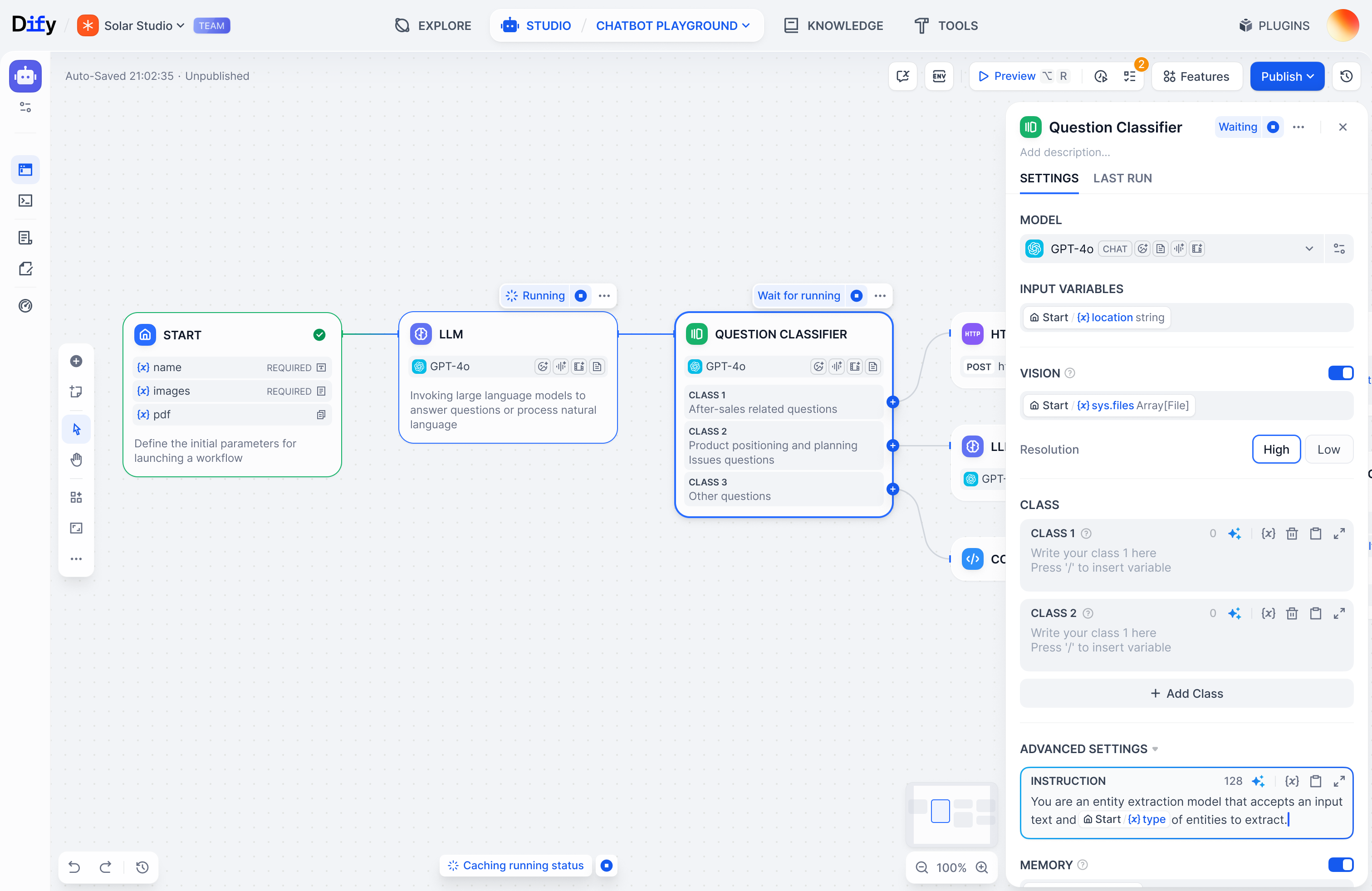
Dify 是一个用于构建 AI 工作流的开源平台。通过在可视化画布上编排 AI 模型、连接数据源、定义处理流程，直接将你的领域知识转化为可运行的软件。

<img src="https://mintcdn.com/dify-6c0370d8-add-new-agent/44TbQ65UKzc8Aq_C/images/853427c8123decb5ea3d163ae3bb8ab635d95e92f7ee14a2e51e54df06e94fd8.png?fit=max&auto=format&n=44TbQ65UKzc8Aq_C&q=85&s=2aef1e43f163409a46604d6c14ce45d8" alt="853427c8123decb5ea3d163ae3bb8ab635d95e92f7ee14a2e51e54df06e94fd8.png" width="3024" height="1964" data-path="images/853427c8123decb5ea3d163ae3bb8ab635d95e92f7ee14a2e51e54df06e94fd8.png" />

<CardGroup cols={3}>
  <Card title="快速开始" icon="play" href="/zh/use-dify/getting-started/quick-start">
    数分钟内开始构建强大的应用
  </Card>

  <Card title="概念" icon="highlighter" iconType="regular" href="/zh/use-dify/getting-started/key-concepts">
    核心 Dify 构建模块解释
  </Card>

  <Card title="自部署" icon="arrow-down-to-line" href="/zh/self-host/quick-start/docker-compose">
    在你的笔记本电脑/服务器上安装 Dify
  </Card>

  <Card title="论坛" icon="message" href="https://forum.dify.ai">
    与社区交流心得
  </Card>

  <Card title="更新日志" icon="bell" href="https://github.com/langgenius/dify/releases">
    查看过往版本的更新内容
  </Card>

  <Card title="教程" icon="lightbulb" href="/zh/use-dify/tutorials/customer-service-bot">
    Dify 用例示例演练
  </Card>
</CardGroup>

<Info>
  Dify 这个名字来自 **D**o **I**t **F**or **Y**ou。
</Info>