

Prerequisites
- Dify plugin scaffolding tool
- Python environment (version ≥ 3.12)
Tip: Run
dify version in your terminal to confirm that the scaffolding tool is installed.1. Initializing the Plugin Template
Run the following command to create a development template for your Agent plugin:strategies/ directory.
2. Developing the Plugin
Agent Strategy Plugin development revolves around two files:- Plugin Declaration:
strategies/basic_agent.yaml - Plugin Implementation:
strategies/basic_agent.py
2.1 Defining Parameters
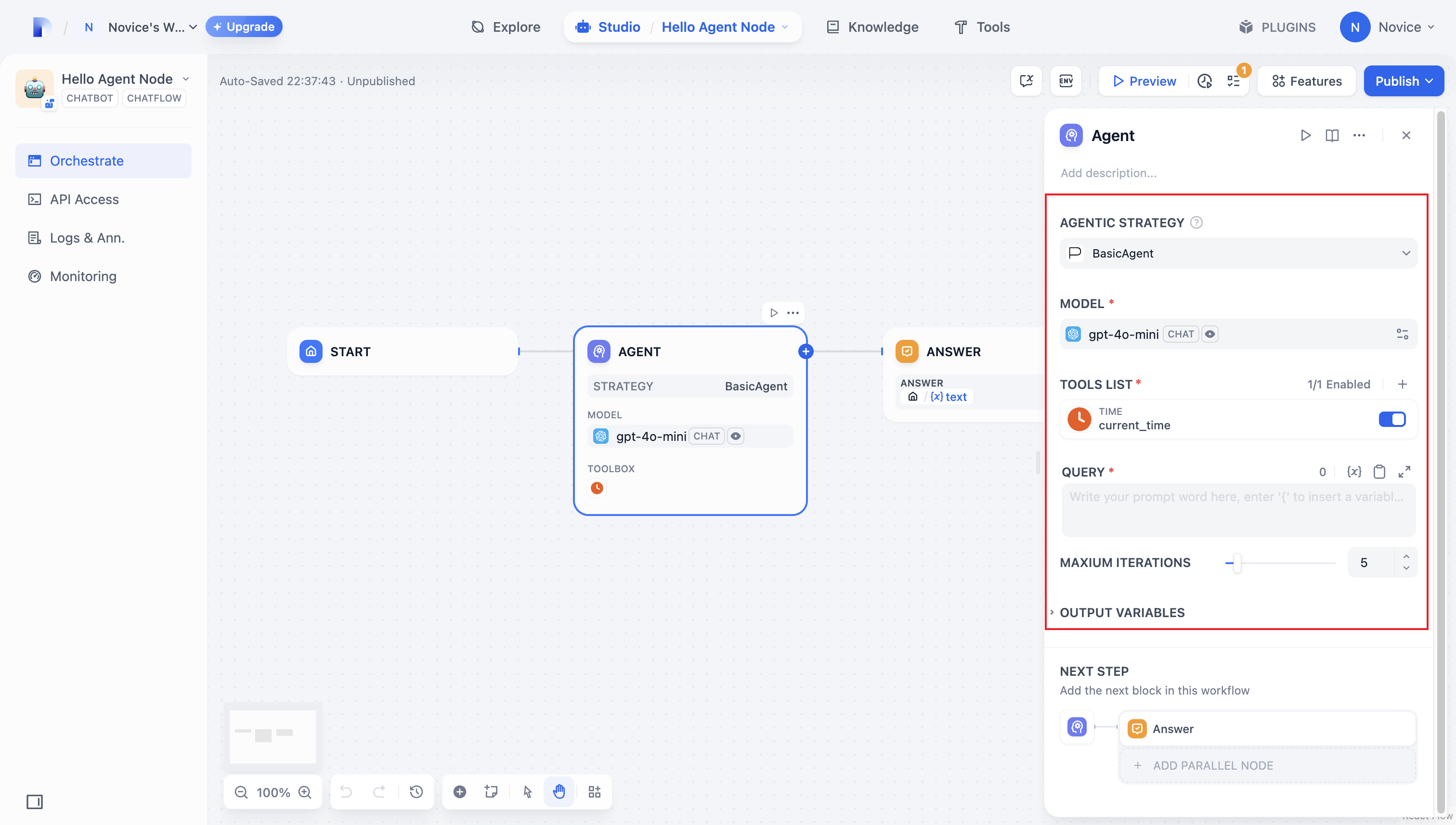
To build an Agent plugin, start by specifying the necessary parameters instrategies/basic_agent.yaml. These parameters define the plugin’s core features, such as calling an LLM or using tools.
We recommend including the following four parameters first:
- model: The large language model to call (e.g., GPT-4, GPT-4o-mini).
- tools: A list of tools that enhance your plugin’s functionality.
- query: The user input or prompt content sent to the model.
- maximum_iterations: The maximum iteration count to prevent excessive computation.
2.2 Retrieving Parameters and Execution
After users fill out these basic fields, your plugin needs to process the submitted parameters. Instrategies/basic_agent.py, define a parameter class for the Agent, then retrieve and apply these parameters in your logic.
Verify incoming parameters:
3. Invoking the Model
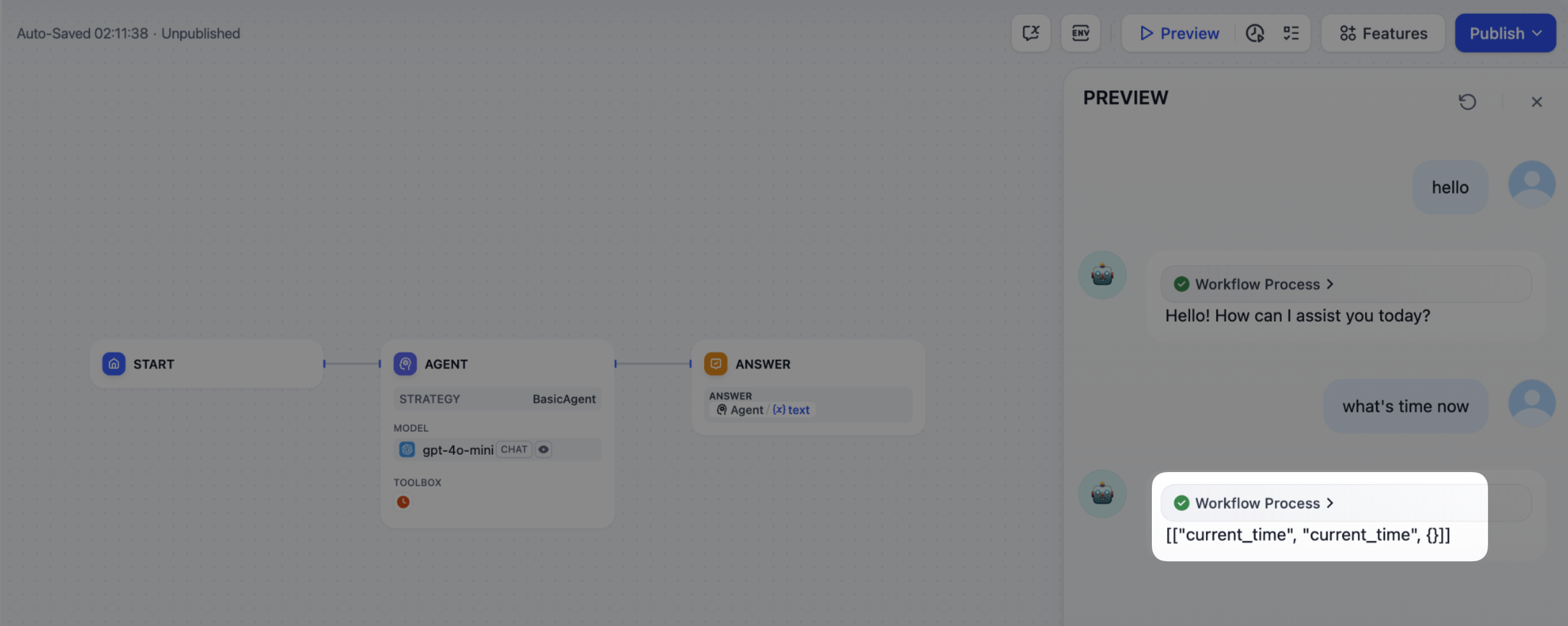
In an Agent Strategy Plugin, invoking the model is central to the workflow. You can invoke an LLM efficiently usingsession.model.llm.invoke() from the SDK, handling text generation, dialogue, and so forth.
If you want the LLM handle tools, ensure it outputs structured parameters to match a tool’s interface. In other words, the LLM must produce input arguments that the tool can accept based on the user’s instructions.
Construct the following parameters:
- model
- prompt_messages
- tools
- stop
- stream
4. Handle a Tool
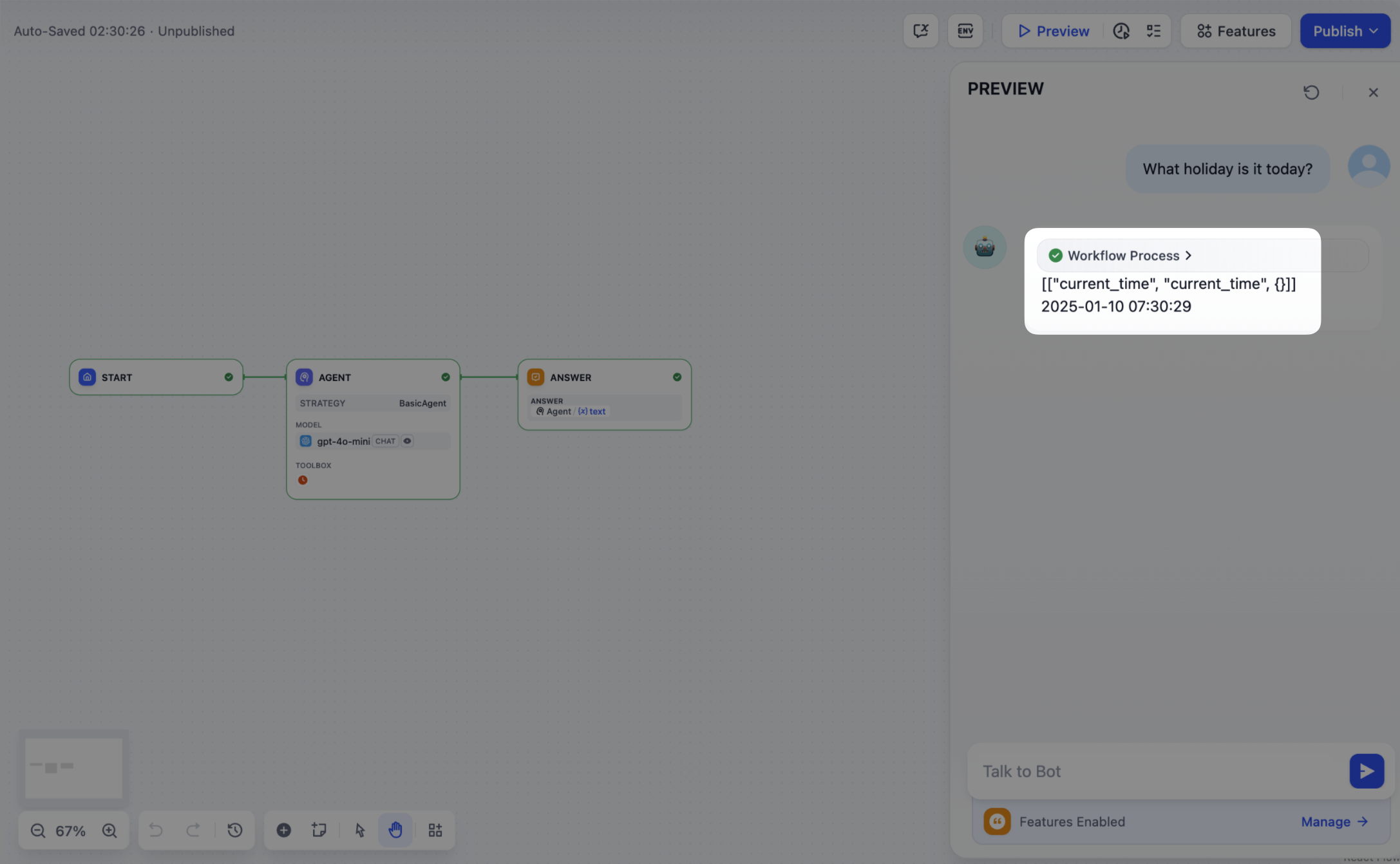
After specifying the tool parameters, the Agent Strategy Plugin must actually call these tools. Usesession.tool.invoke() to make those requests.
Construct the following parameters:
- provider
- tool_name
- parameters
5. Creating Logs
Often, multiple steps are necessary to complete a complex task in an Agent Strategy Plugin. It’s crucial for developers to track each step’s results, analyze the decision process, and optimize strategy. Usingcreate_log_message and finish_log_message from the SDK, you can log real-time states before and after calls, aiding in quick problem diagnosis.
For example:
- Log a “starting model call” message before calling the model, clarifying the task’s execution progress.
- Log a “call succeeded” message once the model responds, ensuring the model’s output can be traced end to end.
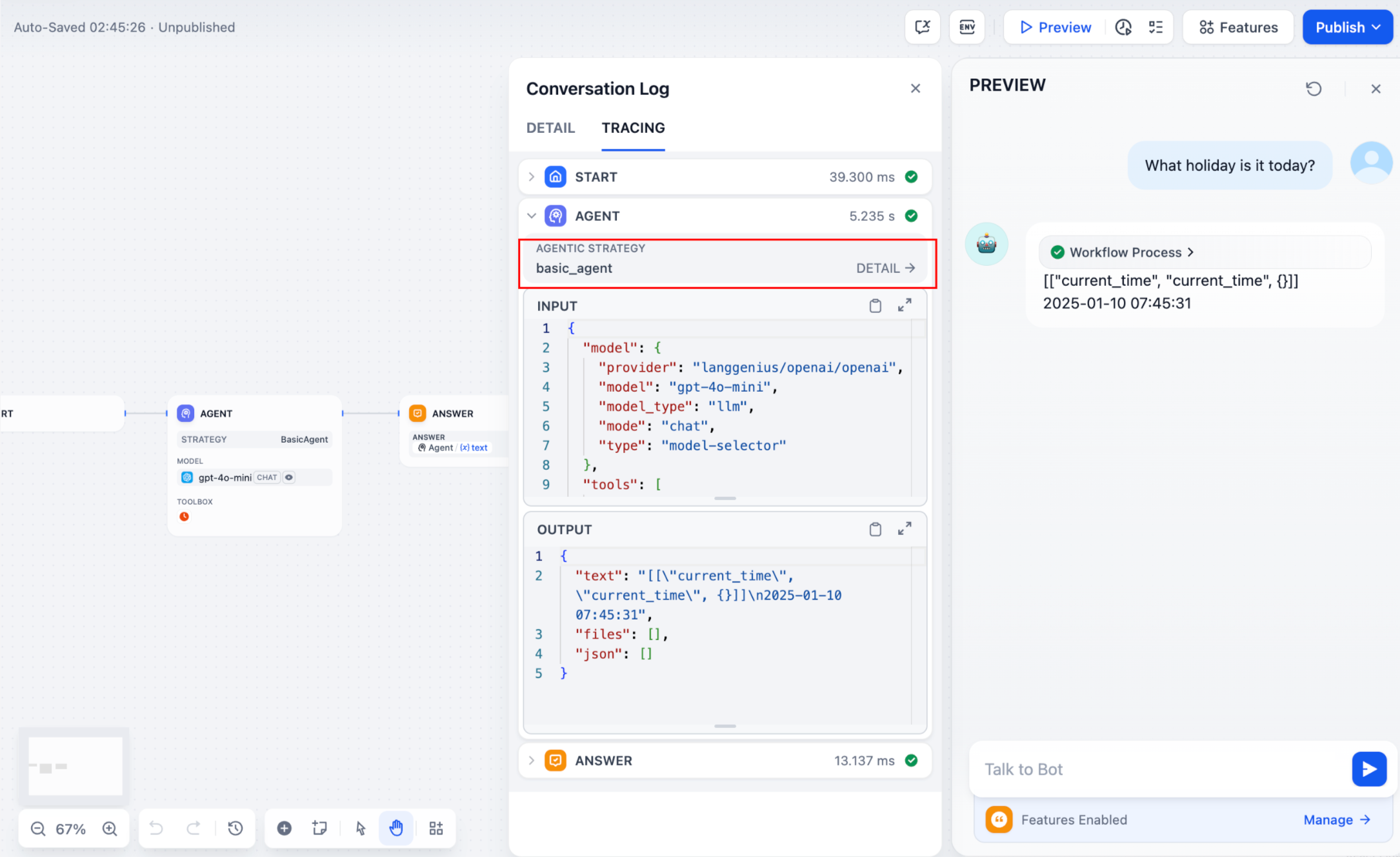 If multiple rounds of logs occur, you can structure them hierarchically by setting a
 parent parameter in your log calls, making them easier to follow.
Reference method:
Sample code for agent-plugin functions
- Invoke Model
- Handle Tools
- Example of a complete function code
Invoke Model
The following code demonstrates how to give the Agent strategy plugin the ability to invoke the model:6. Debugging the Plugin
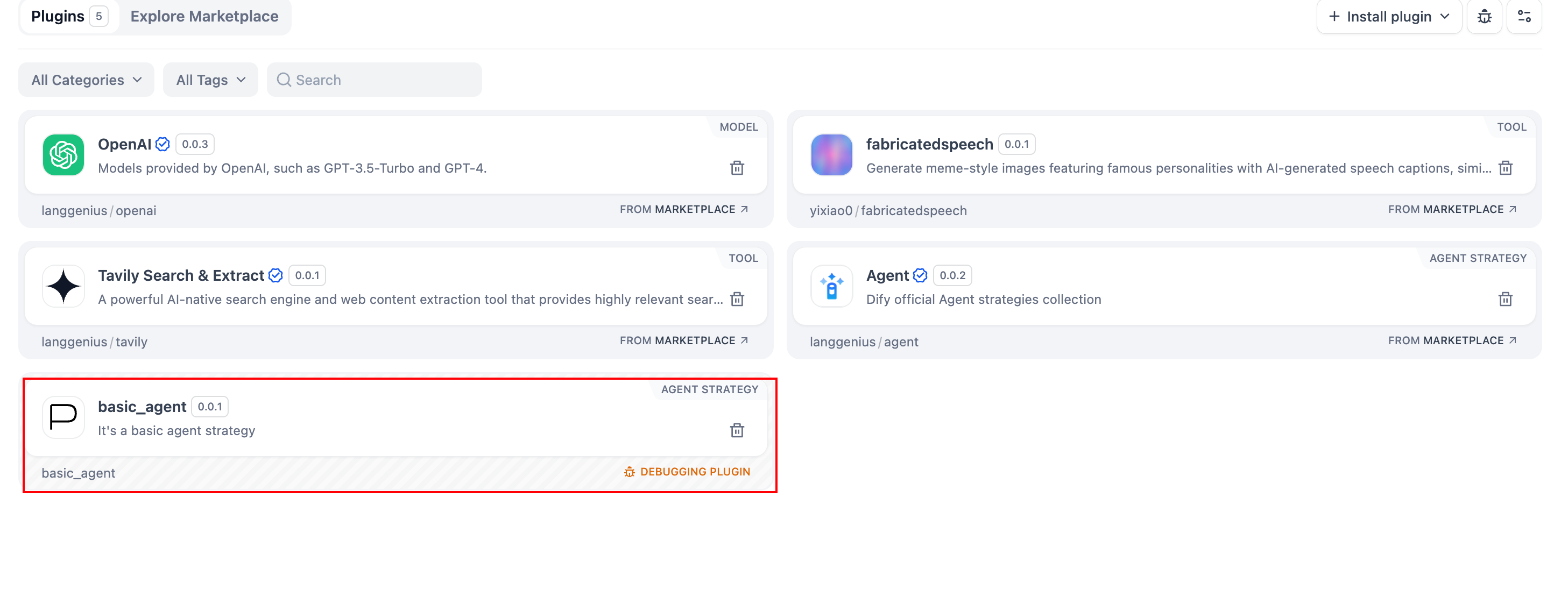
After finalizing the plugin’s declaration file and implementation code, runpython -m main in the plugin directory to restart it. Next, confirm the plugin runs correctly. Dify offers remote debugging—go to Plugin Management to obtain your debug key and remote server address.
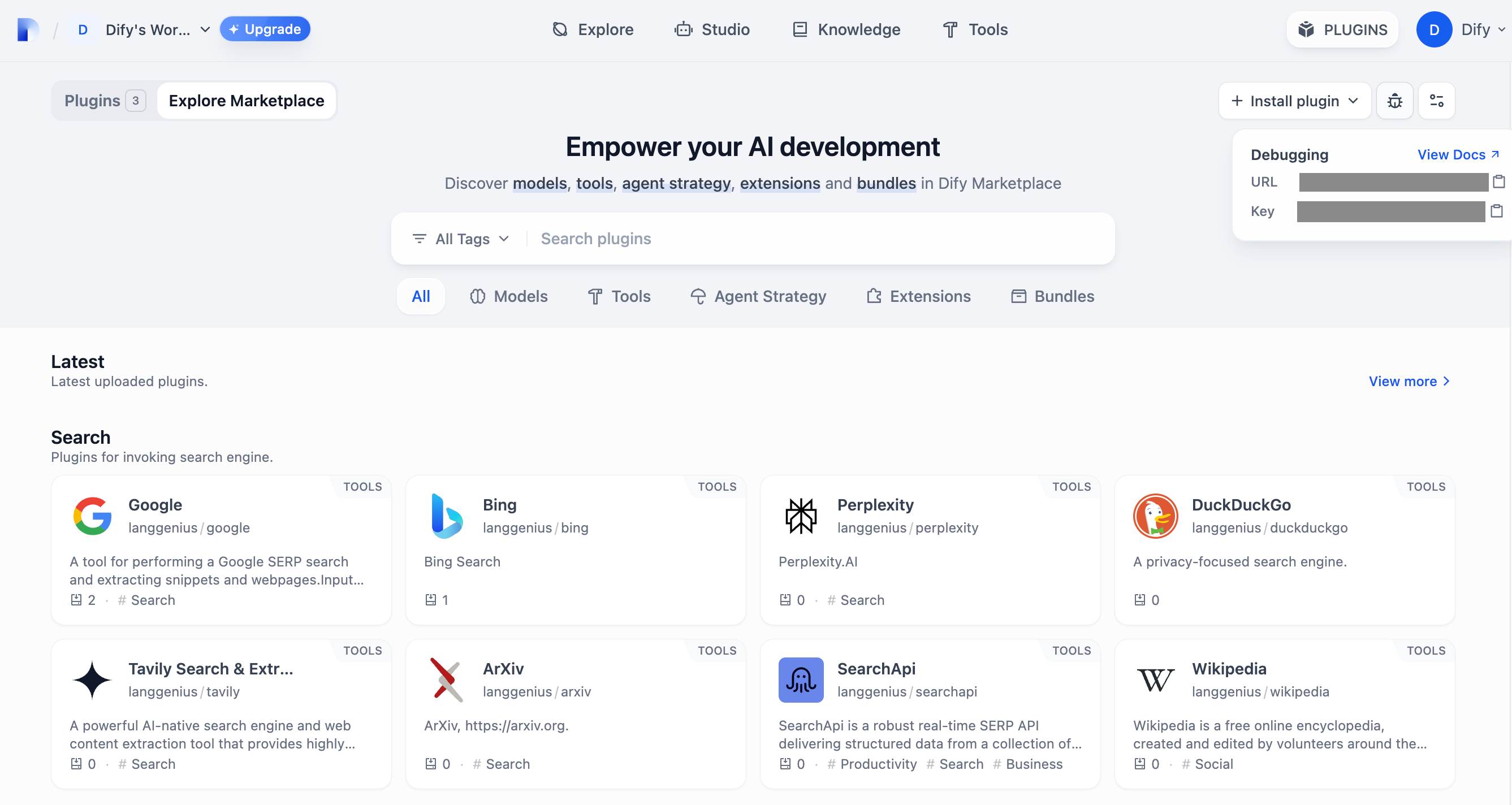 Back in your plugin project, copy
 .env.example to .env and insert the relevant remote server and debug key info.
Packaging the Plugin (Optional)
Once everything works, you can package your plugin by running:google.difypkg (for example) appears in your current folder—this is your final plugin package.
Congratulations! You’ve fully developed, tested, and packaged your Agent Strategy Plugin.
Publishing the Plugin (Optional)
You can now upload it to the Dify Plugins repository. Before doing so, ensure it meets the Plugin Publishing Guidelines. Once approved, your code merges into the main branch, and the plugin automatically goes live on the Dify Marketplace.Further Exploration
Complex tasks often need multiple rounds of thinking and tool calls, typically repeating model invoke → tool use until the task ends or a maximum iteration limit is reached. Managing prompts effectively is crucial in this process. Check out the complete Function Calling implementation for a standardized approach to letting models call external tools and handle their outputs.Edit this page | Report an issue